STEALTH · 2026

A custom AI assistant
for every engineer on your team.

Engineering, finance, design, ops — Extender ships a growing library of role presets and lets your platform team customize each one. Run them on Claude or any model your team prefers. A local-first desktop runtime, a control plane your platform team can trust.

Local-first runtimeAny model, your keySOC2 in flight
ROLE PRESETS

A growing library of role presets — click any to see what's inside.

Engineering is our flagship today. The library expands with every design partner.

Engineering

Flagship preset

The full feedback loop: scope → code → test → review → ship.

Skills
  • Feature development with codebase-aware planning
  • Systematic debugging + root-cause analysis
  • Code review against project conventions
  • Test-driven development discipline
Integrations
GitHubJiraLinearSentryVercel
Hooks (sample)
  • protect-env-files — block any edit to .env or credential files
  • deny-force-push-to-main — escalate before destructive git ops
Bespoke from here

Per-team coding standards, framework focus, commit-message conventions, language style guides.

WHAT'S INSIDE

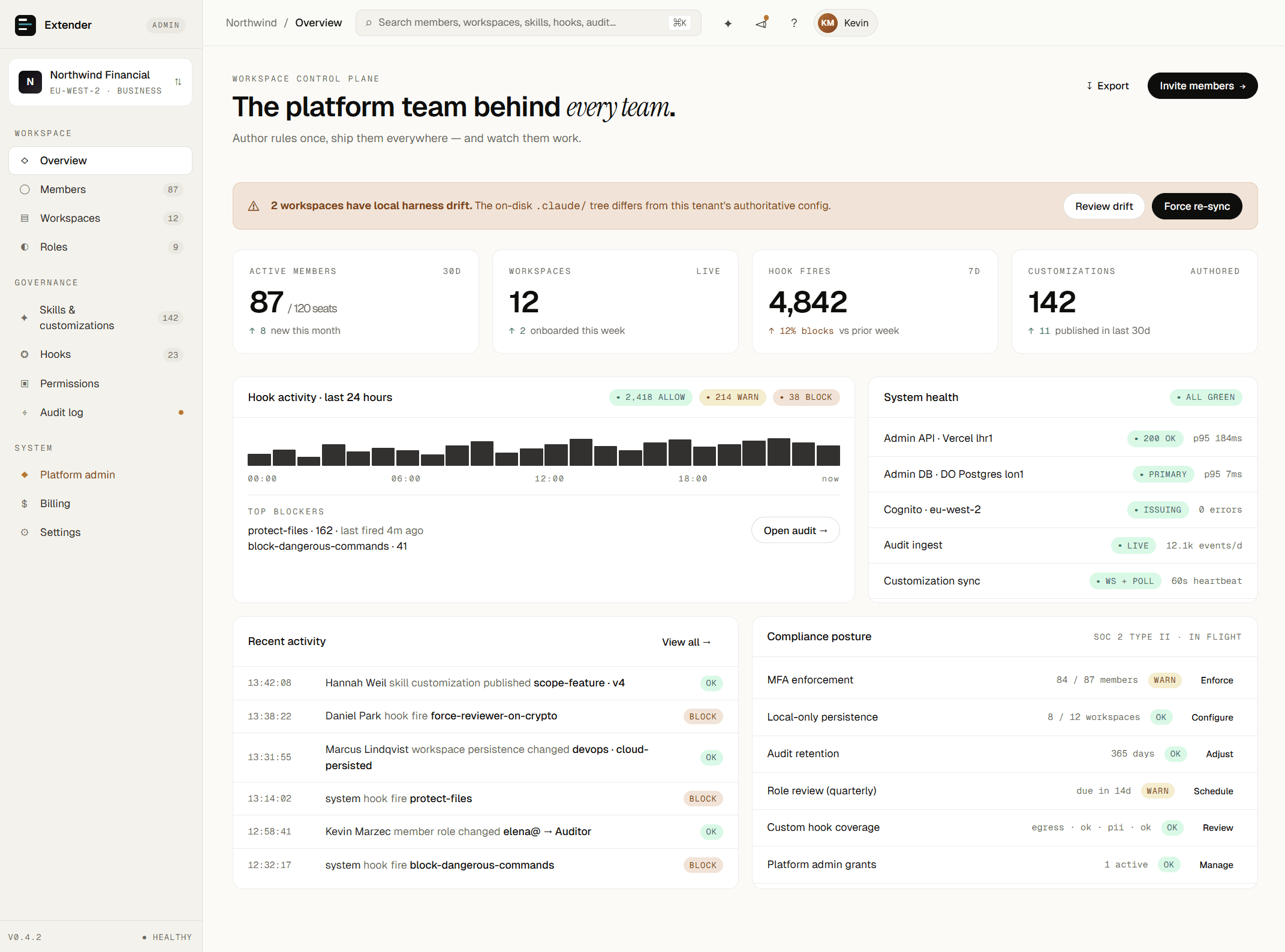
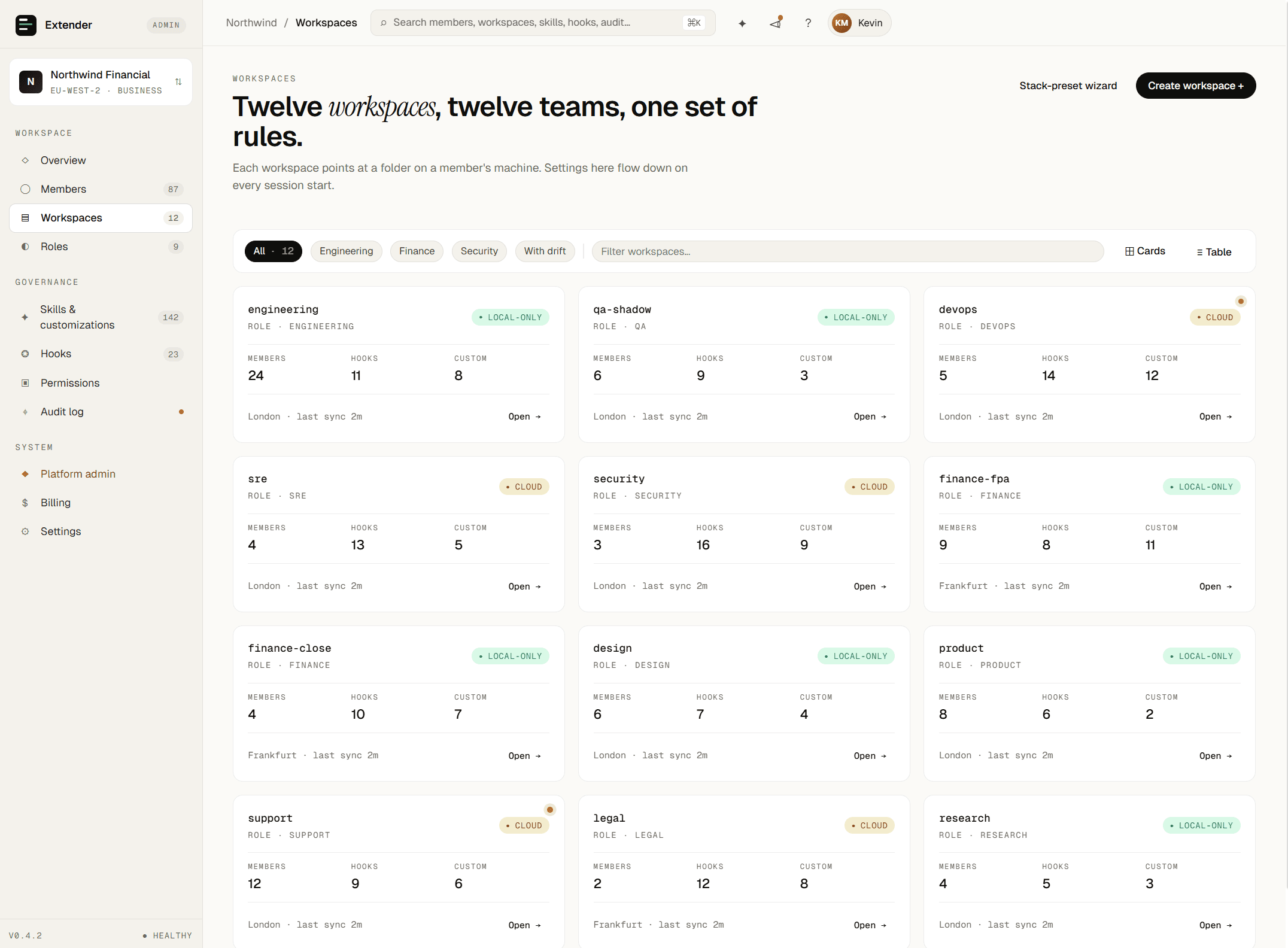
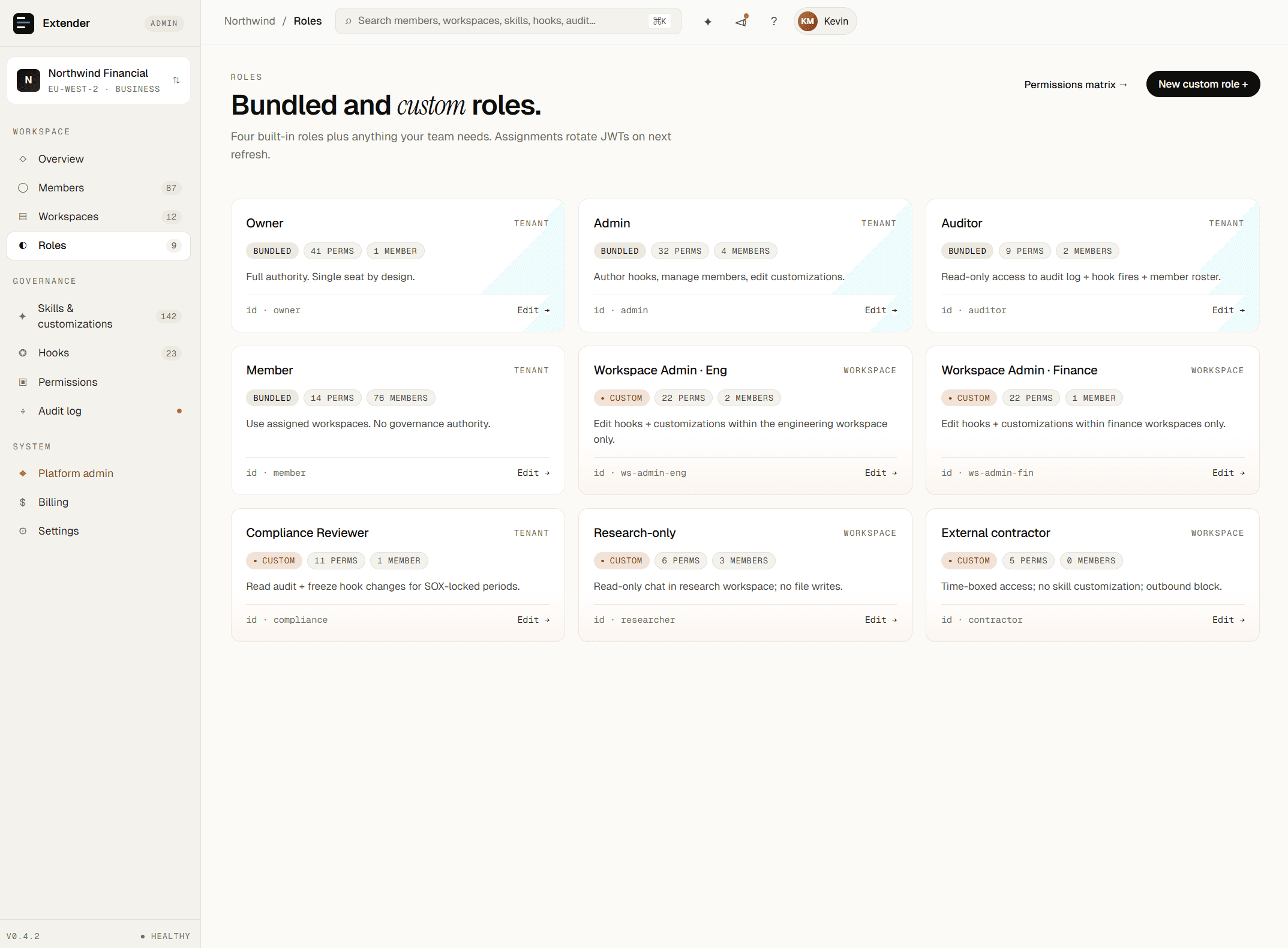
Eight surfaces for the platform team behind every team.

Stop telling people "just configure it locally." Author the rules once; ship them everywhere.

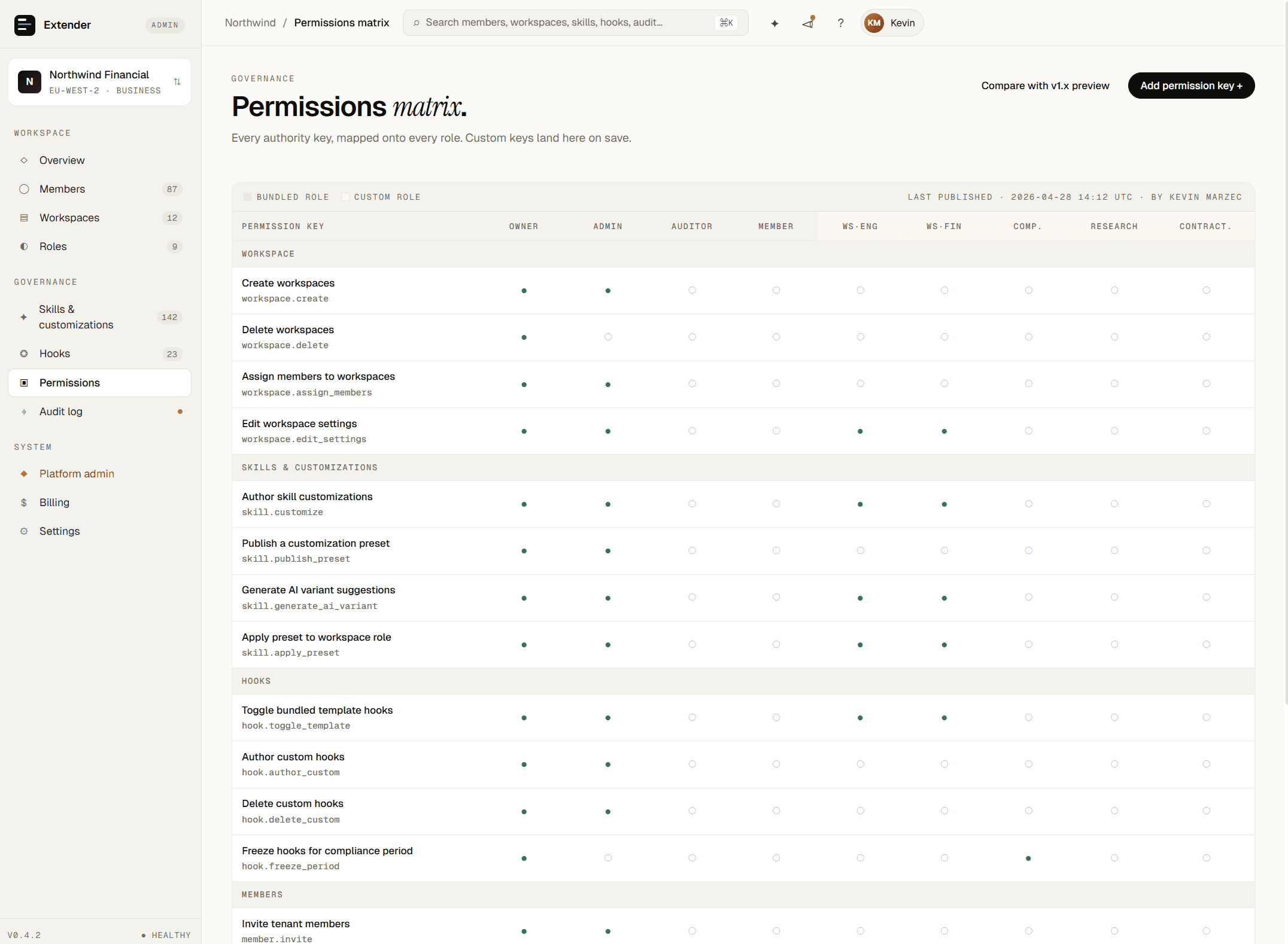
01Role Blueprints

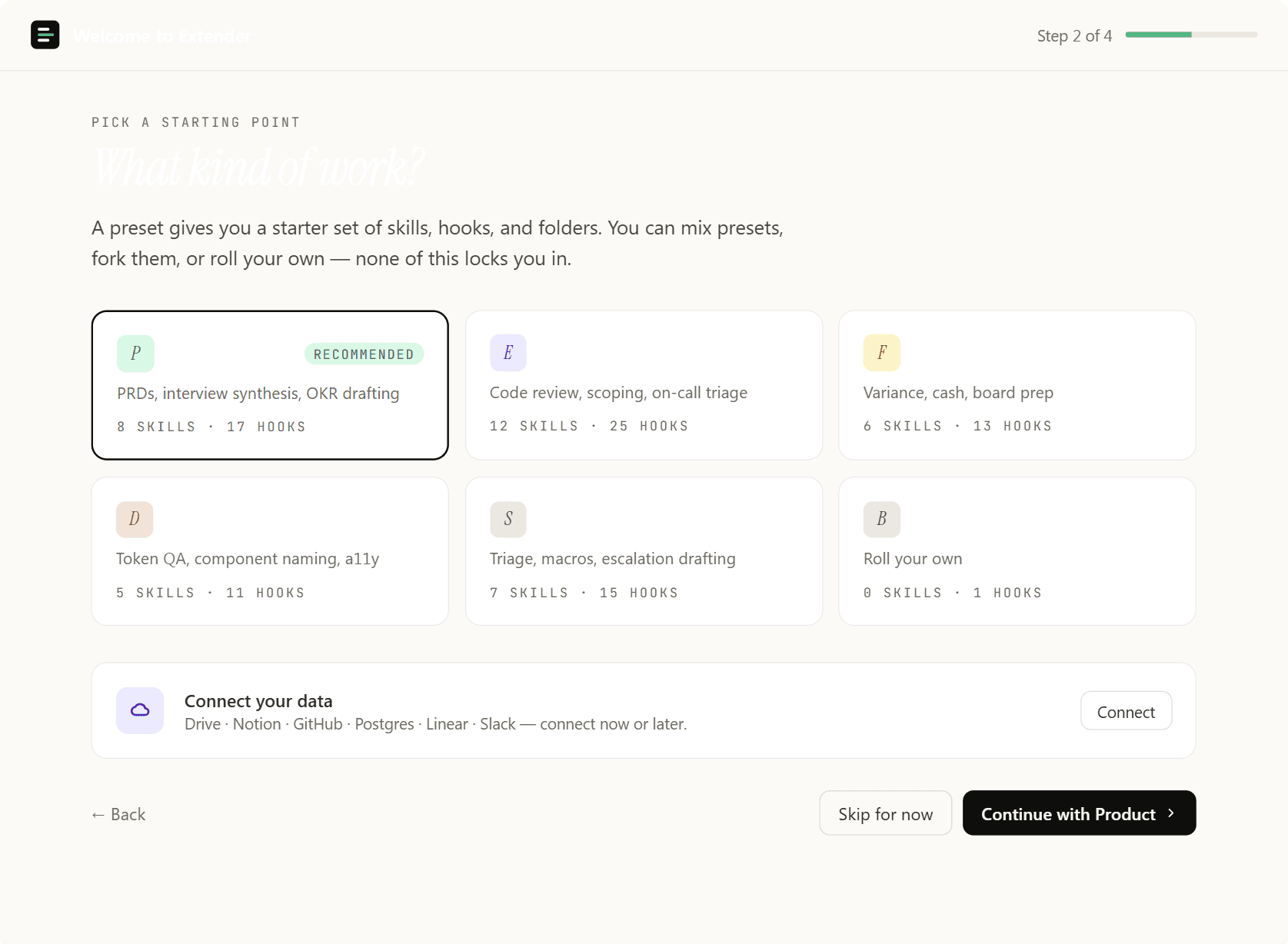
Start from a preset. Don't build from scratch.

Pick a predefined stack like nextjs-ts-jira or salesforce-hubspot to instantly seed a workspace. The central blueprint provisions the exact right skills, MCP servers, and hooks for the role.

Engineering leads pick the react-frontend stack; every developer inherits the same toolset and linter hooks on their next session.

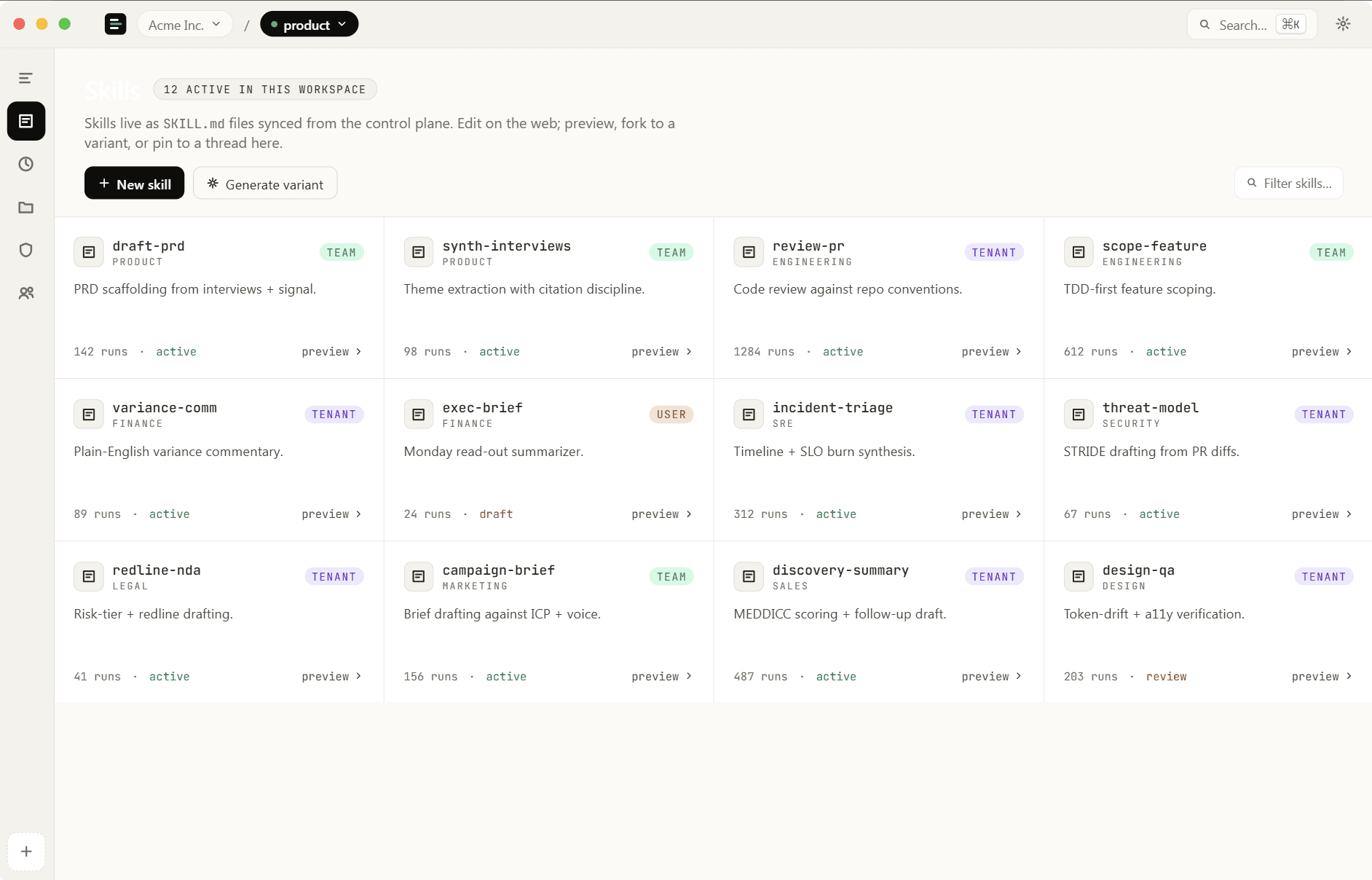
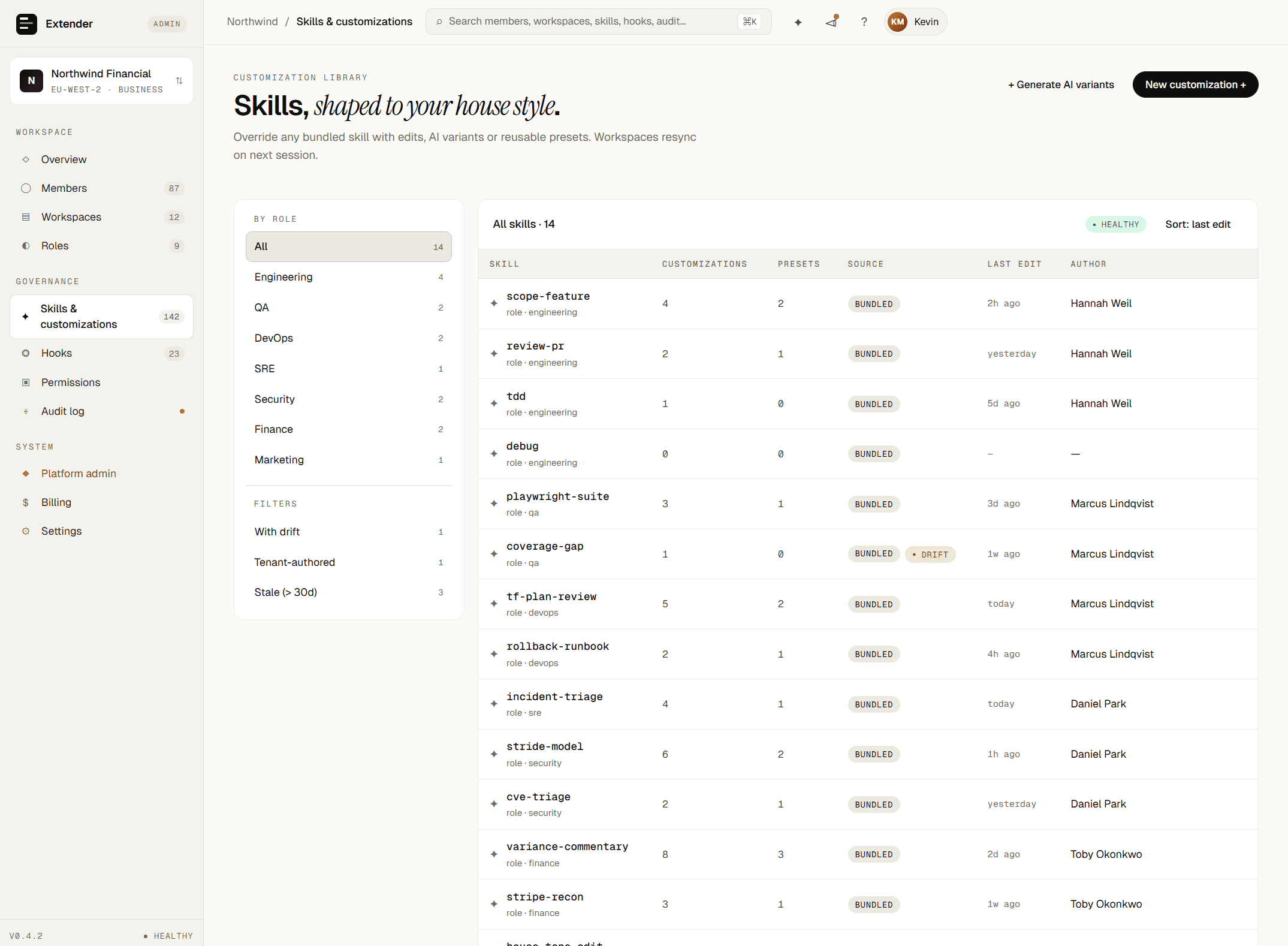
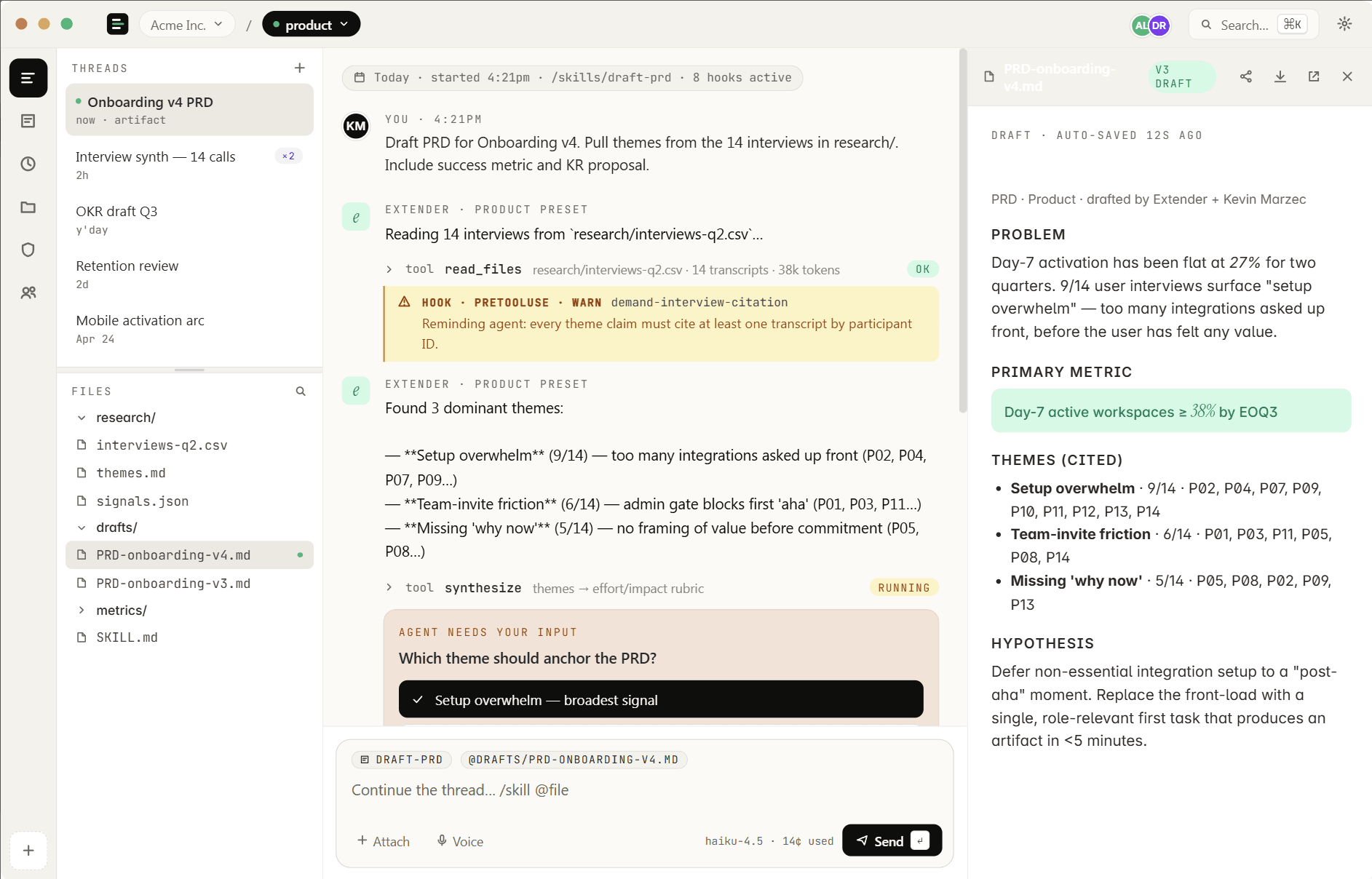
02Variant Generation

Reshape any skill with a click.

Describe how you want an agent to behave in your own words. Extender generates custom skill variants instantly. Pick the best, publish to your tenant library.

Finance retunes report-summary for plain-English exec briefings. Saved as a tenant preset, applied across every analyst workspace.

03Artifacts

Beyond text: rich, interactive artifacts.

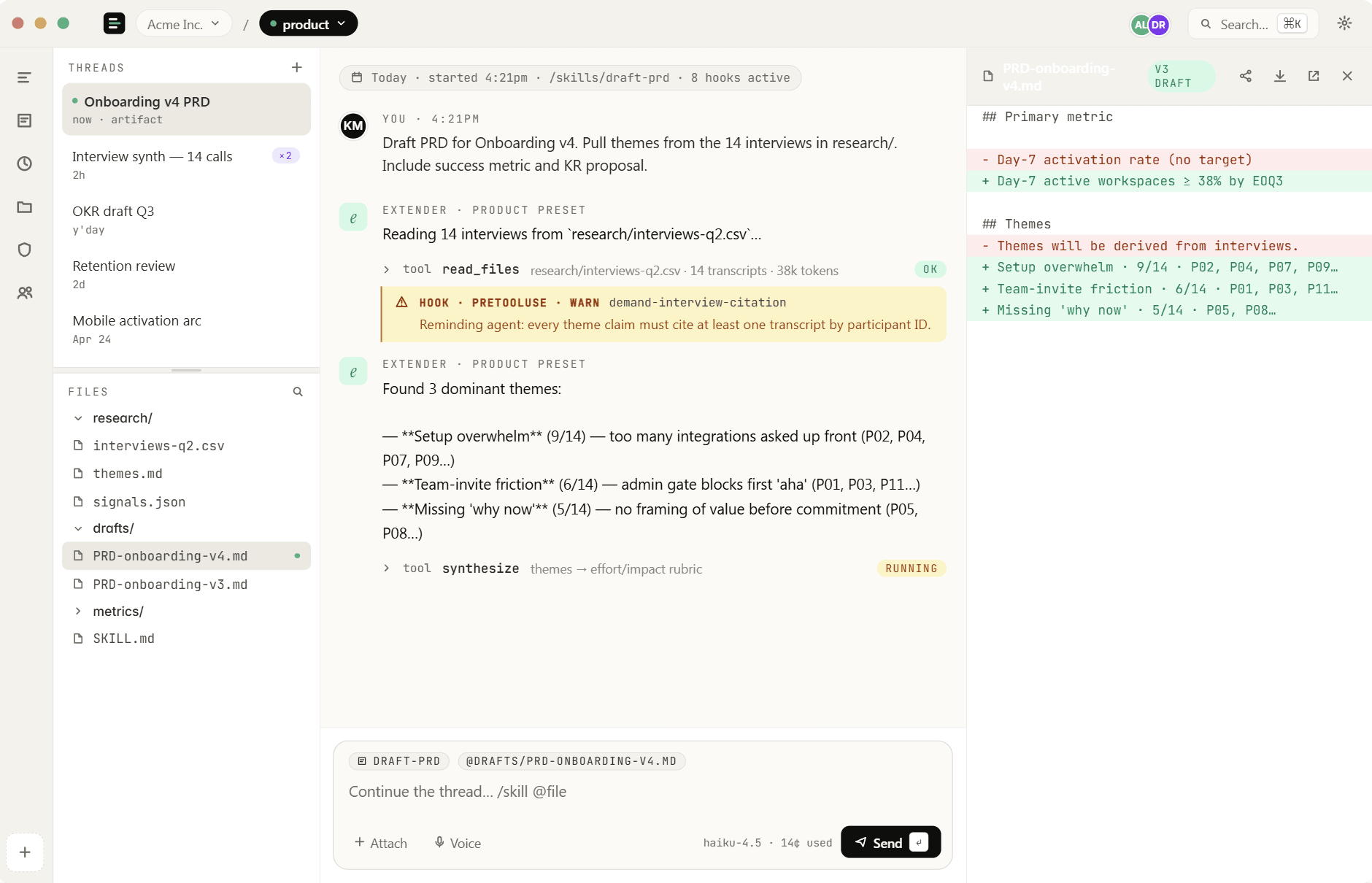
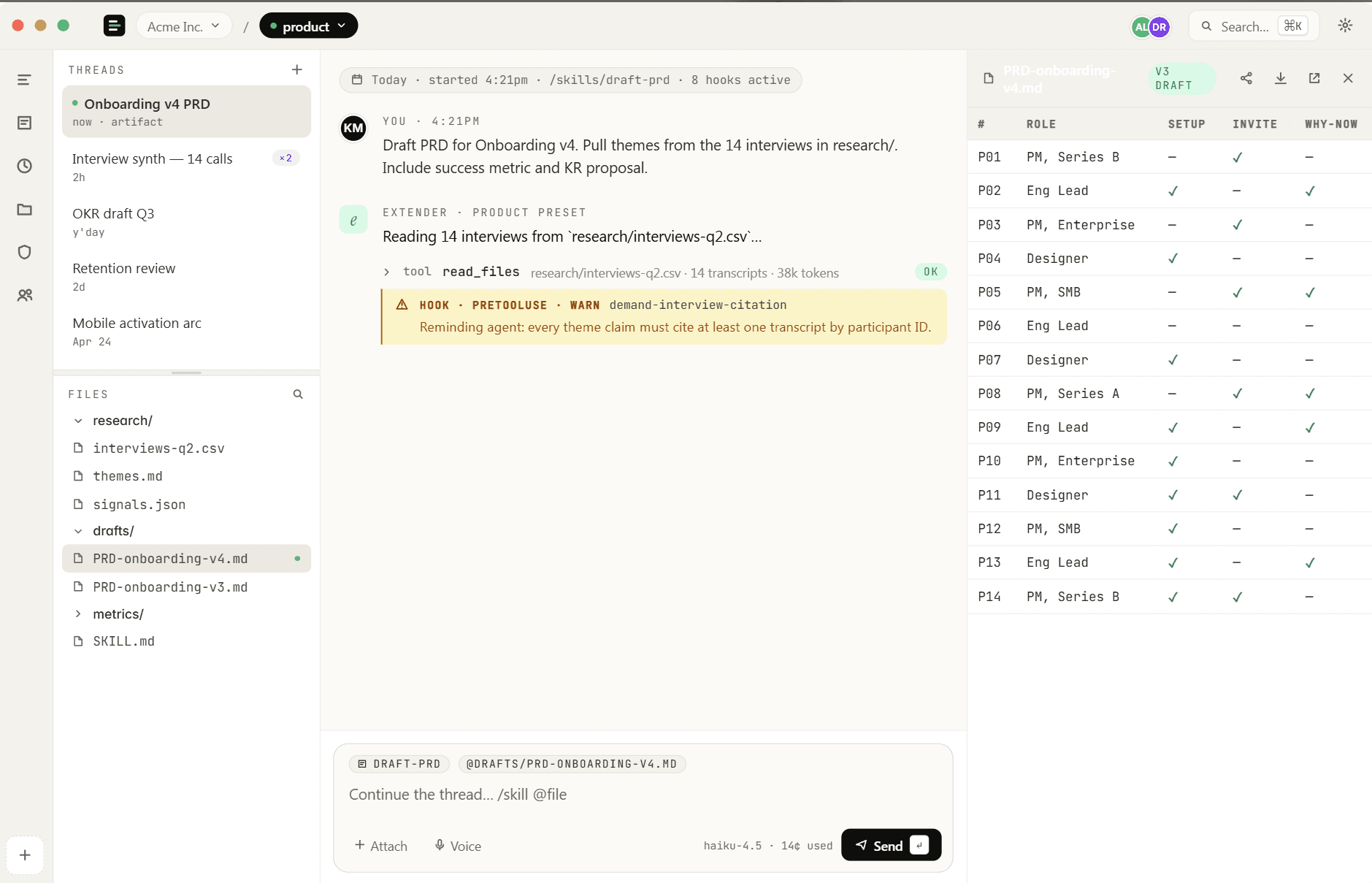
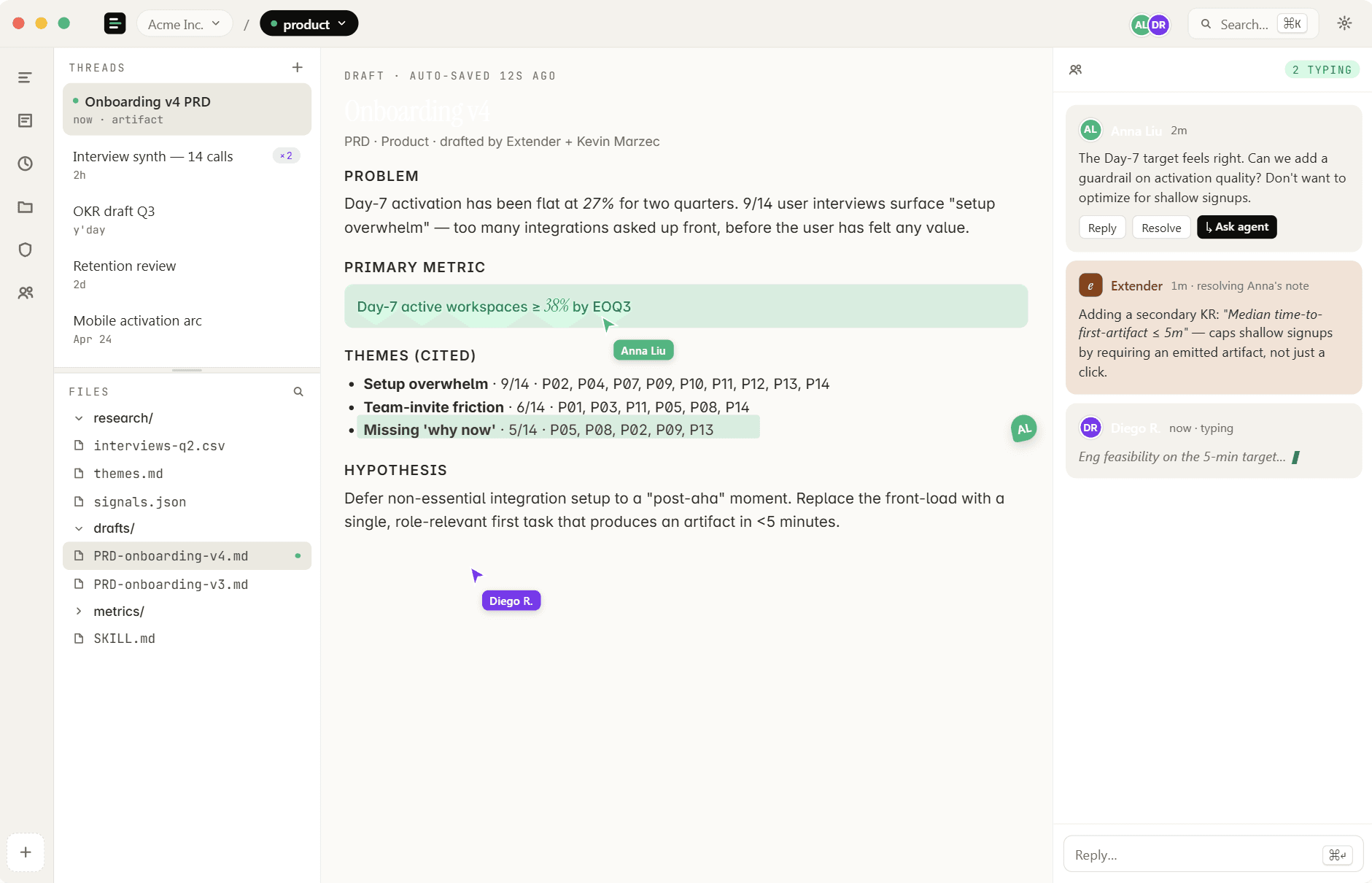
Extender's native WebView renders HTML, PDFs, Excel sheets, and custom data formats right in the chat. Components and visualizations are interactive, not static images.

A data science skill outputs a Mermaid diagram and a CSV; the desktop renders the chart interactively.

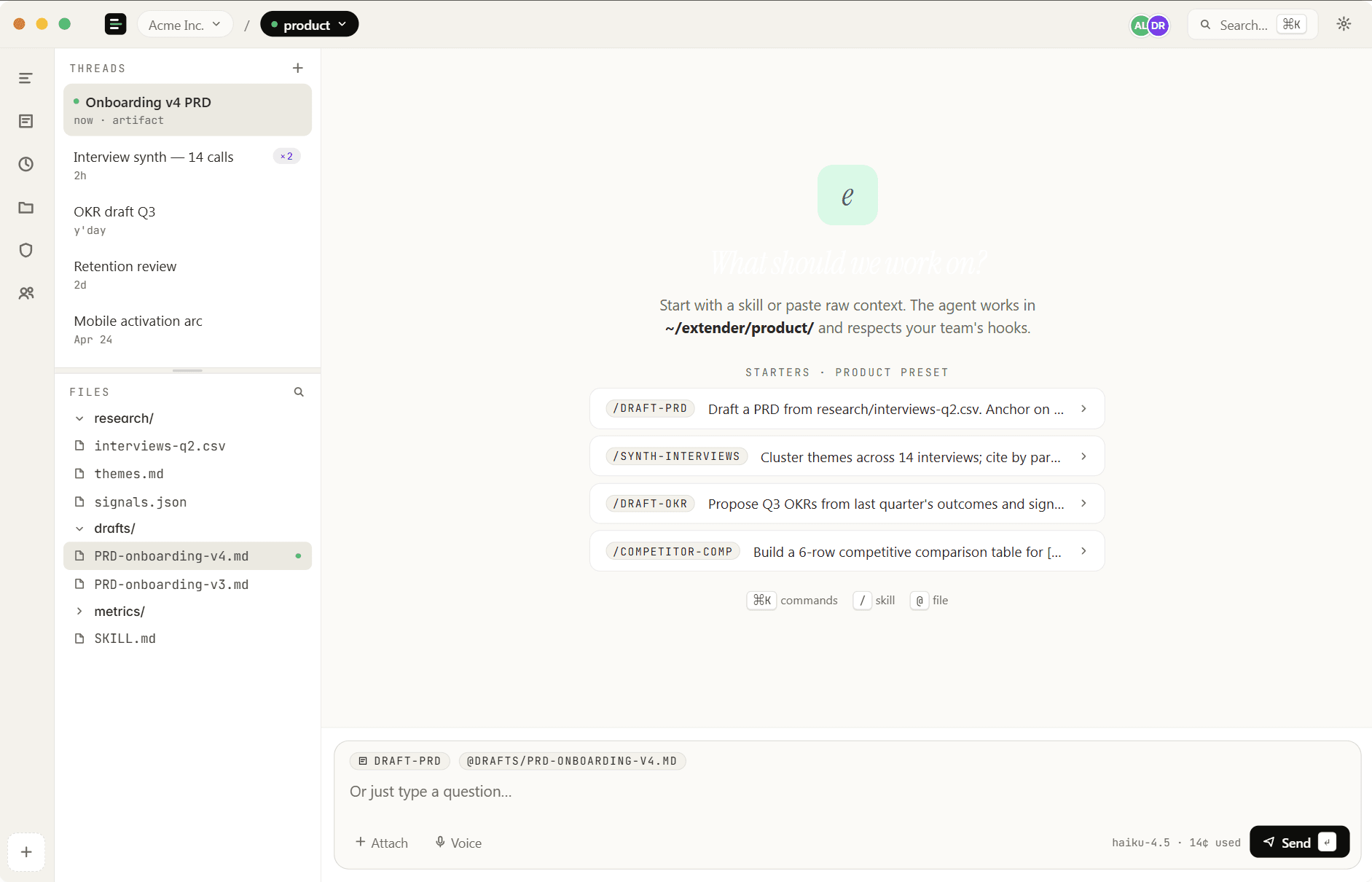
04Architecture

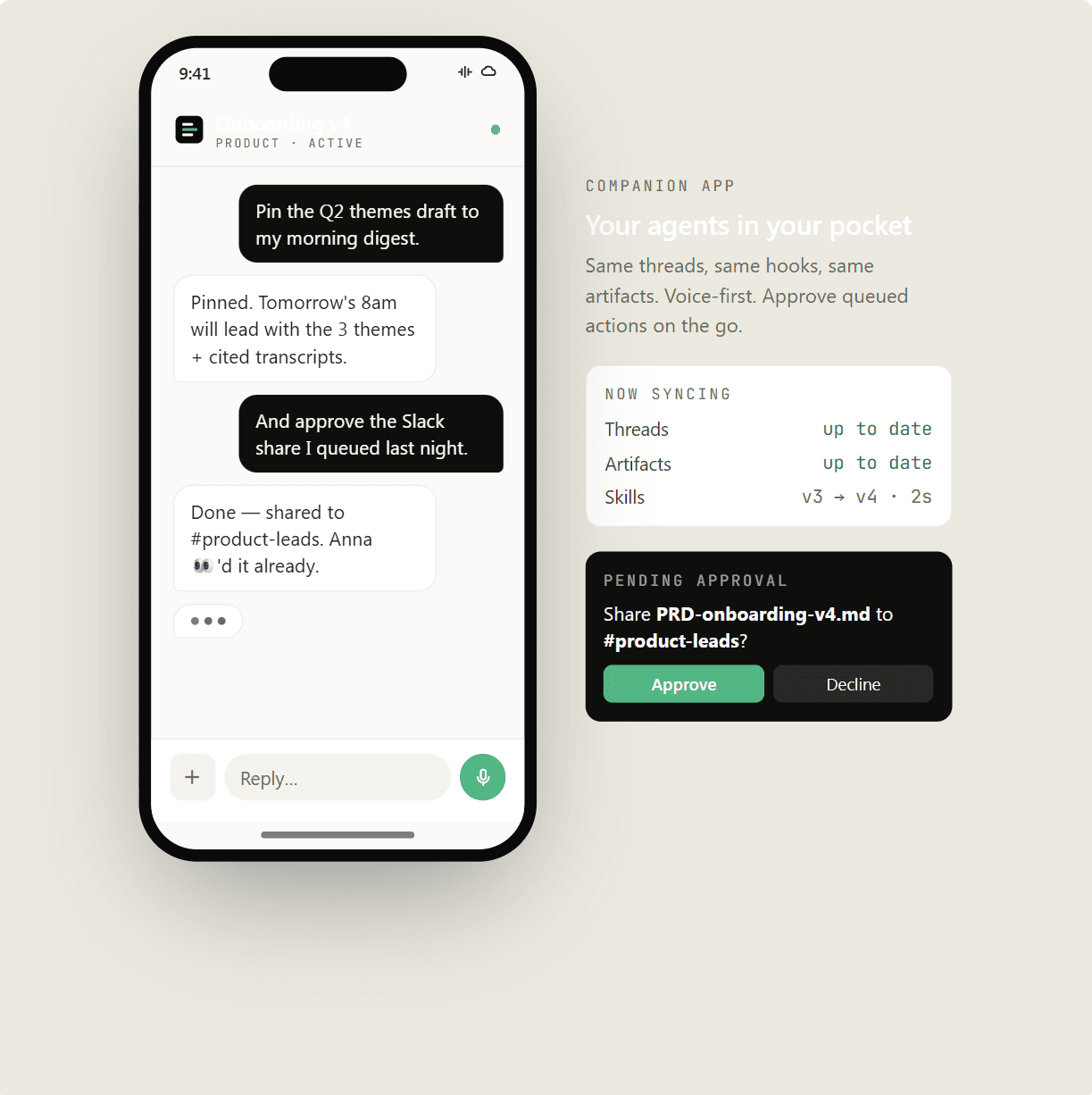
Your data stays on your machine.

Chats and files stay strictly on your laptop. A local sidecar talks to your model provider with your API key — Claude natively, plus any OpenAI-compatible model via Hugging Face, Hanzo Zen, or your own gateway. The control plane only governs roles, harnesses, and audit logs — and never sees a prompt.

Legal runs locally on encrypted laptops; the cloud only stores who-changed-what for compliance, never conversations.

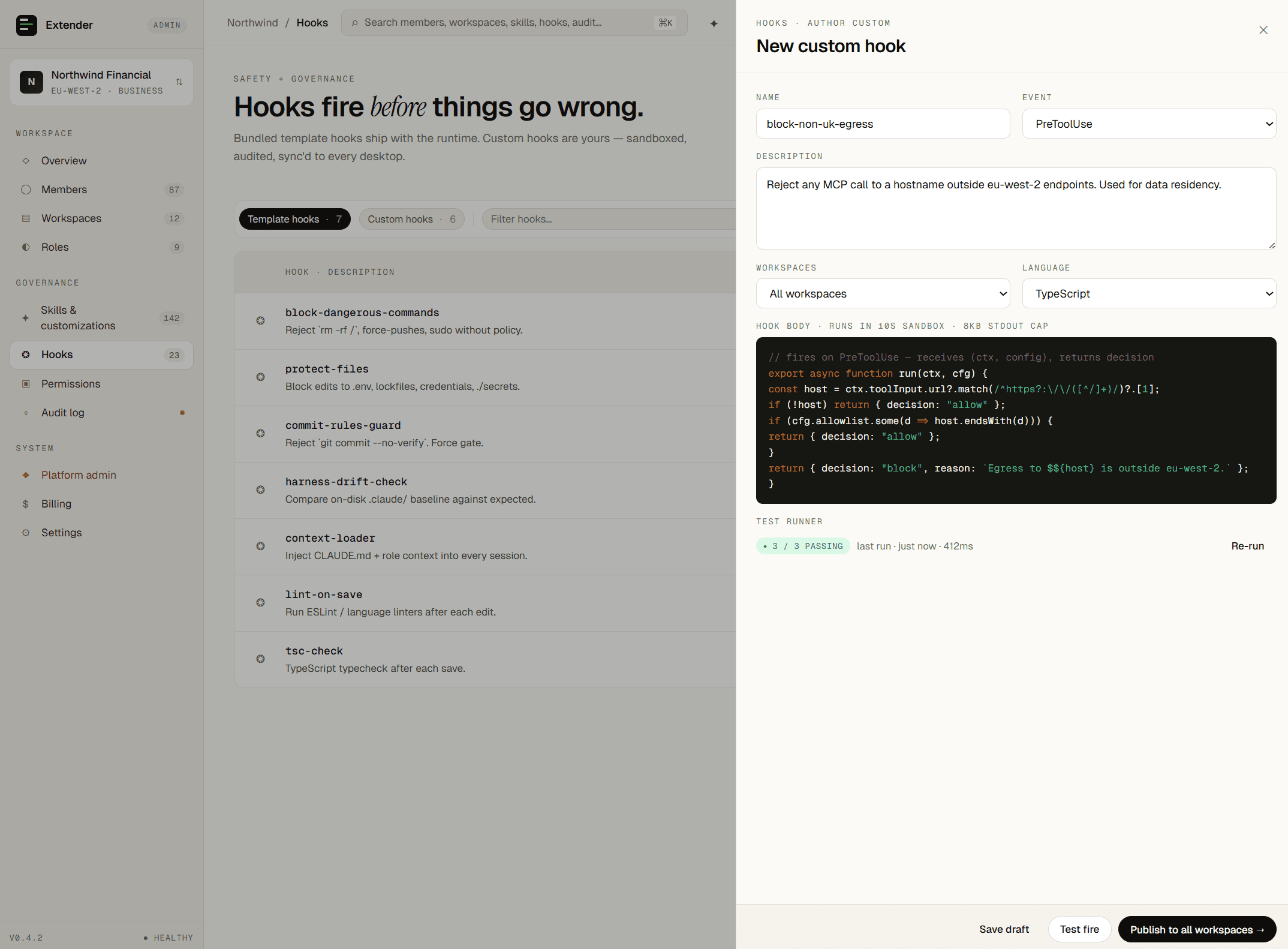
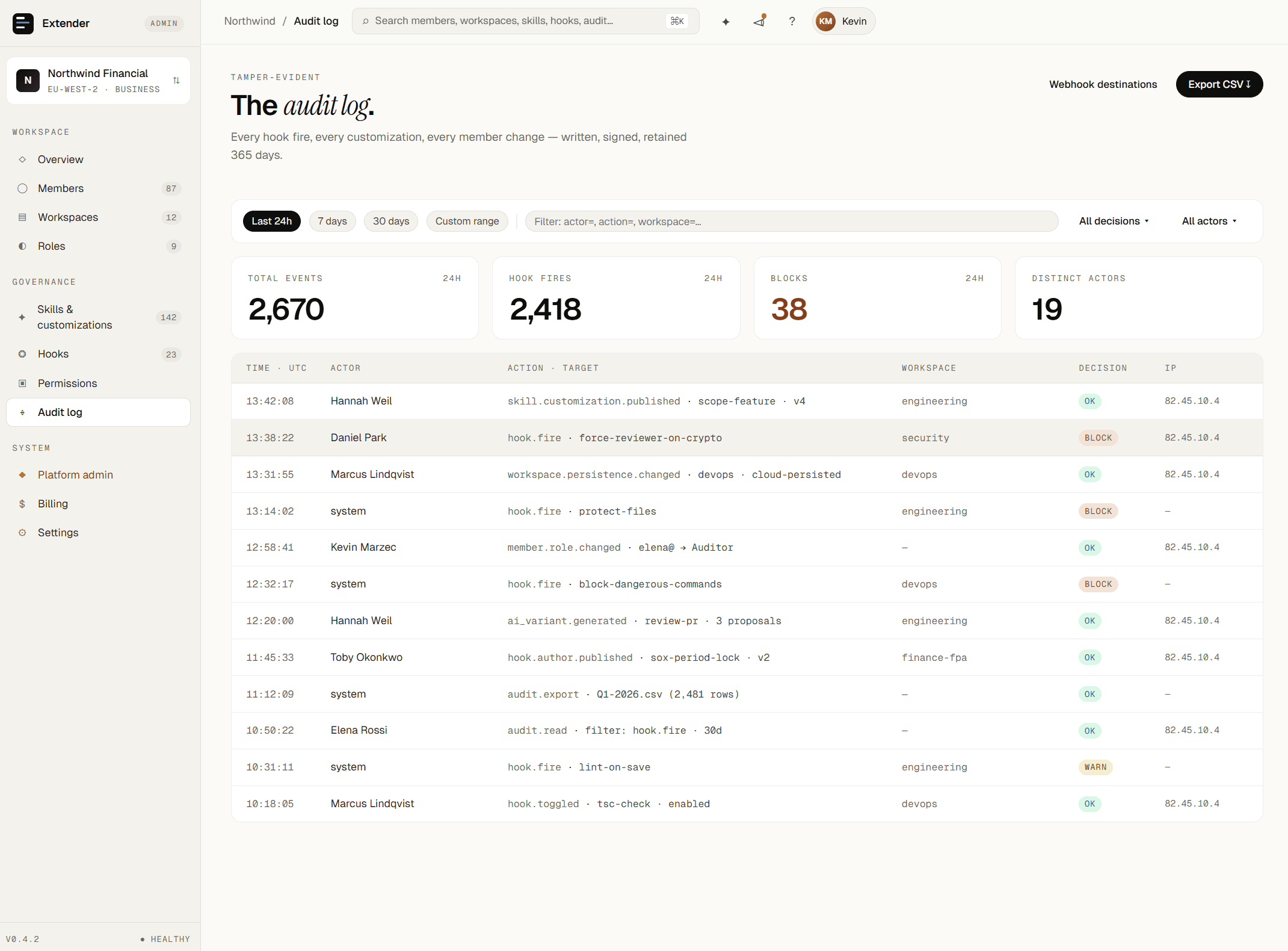
05Safety Hooks

Guardrails before the model acts.

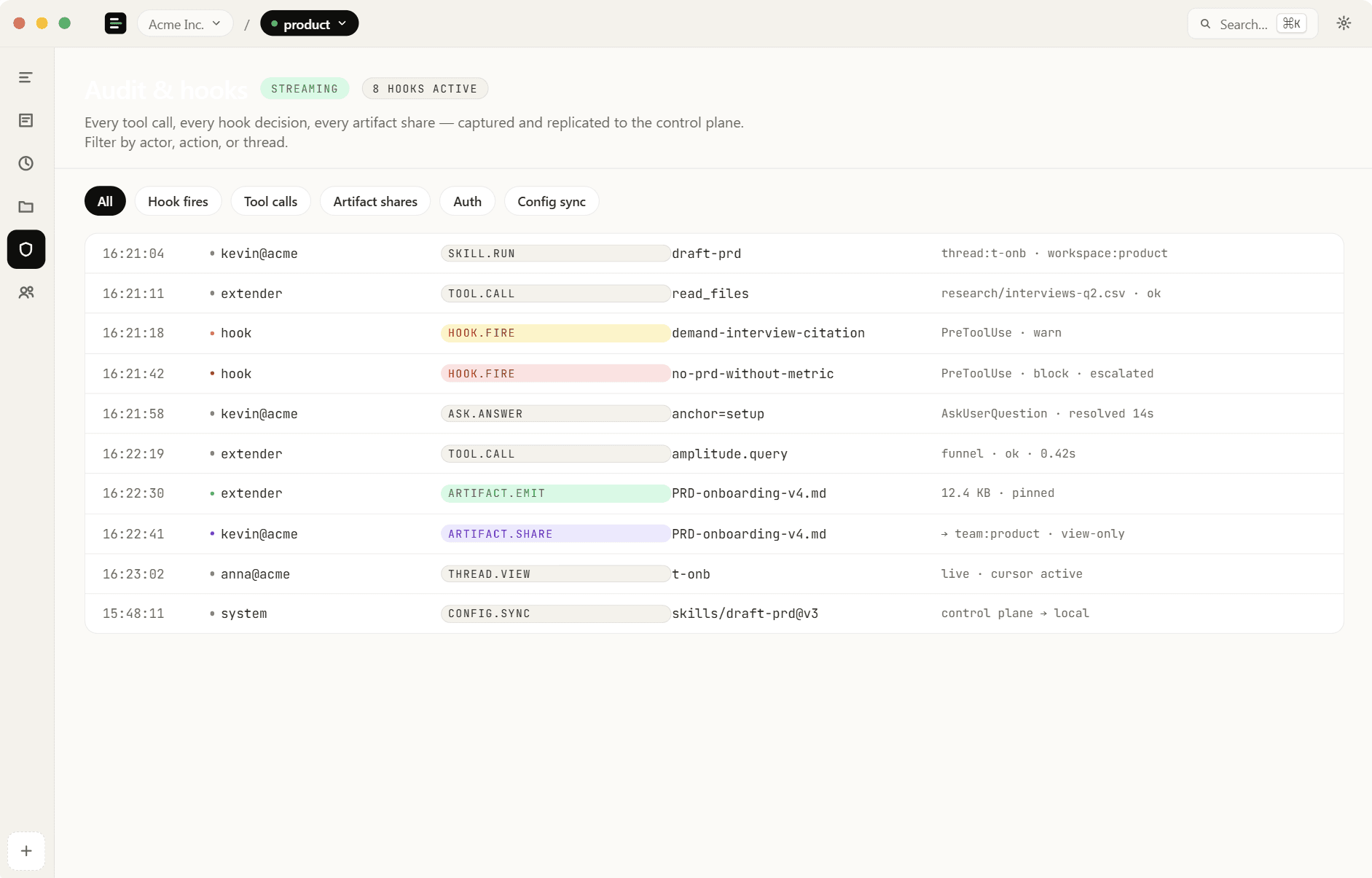
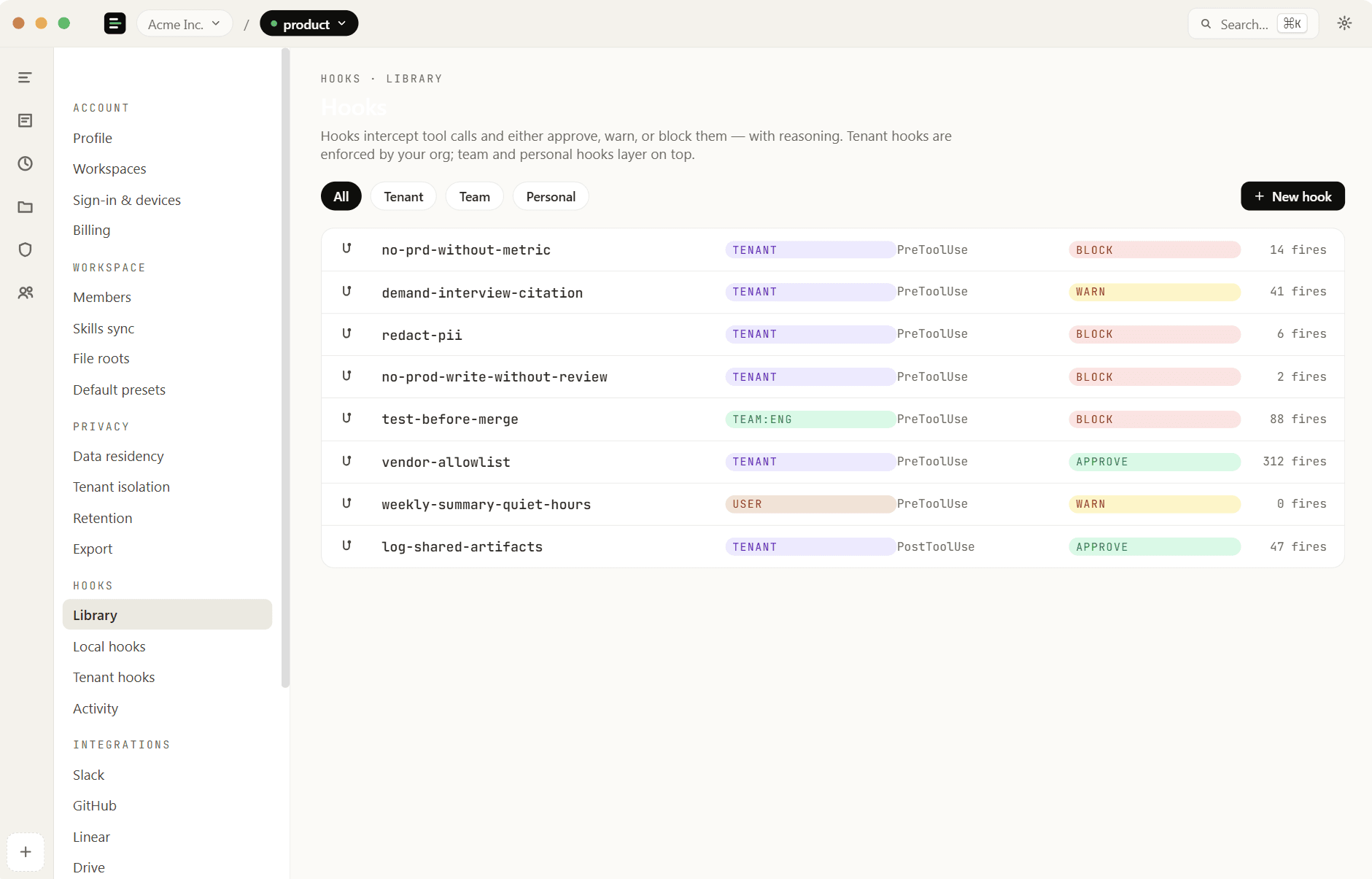
Hooks fire before, during, or after every tool call. Block destructive commands, gate approvals, redact PII, or enforce working hours. Sandboxed locally, audited globally.

Block any external API call that contains an email or SSN. Demand human approval before sending a customer-facing message.

06Enterprise Isolation

Tenant isolation out of the box.

Strict row-level security. Every tenant's customizations, role templates, and audit logs are cryptographically isolated. Platform admins govern entire orgs without operational tax.

An agency provisions a distinct tenant per client, with separate billing and audit trails by default.

07Local & Cloud Jobs

Automate anywhere, anytime.

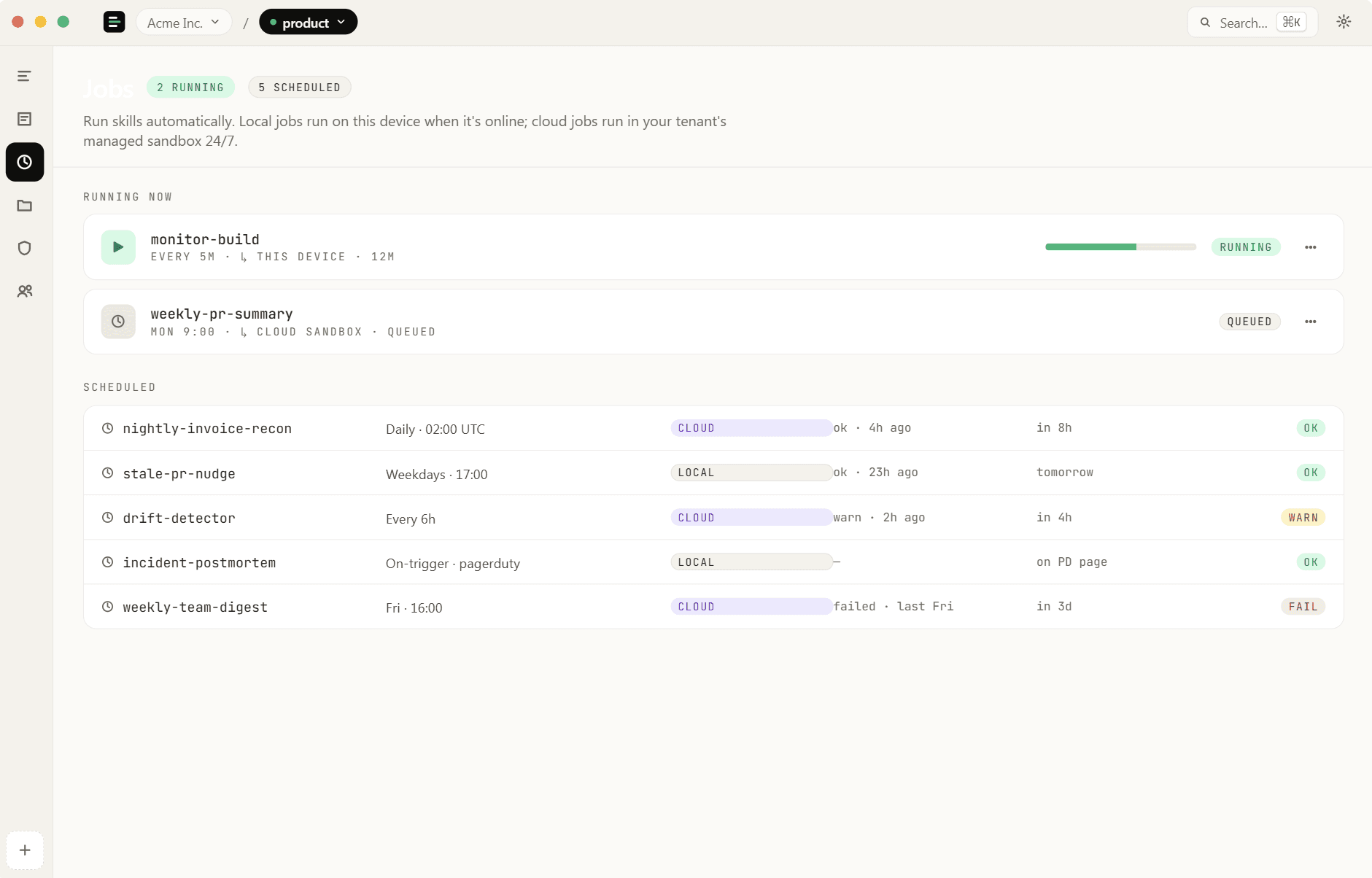
Schedule skills to run automatically or trigger manually. Run locally for deep context, or push to isolated cloud sandboxes for async pipelines.

A developer sets a monitor-build job to run locally; the team schedules a nightly cloud job to compile a status report.

08Model Choice

Built around Claude. Open to any model.

Claude is our north star — every preset is tuned for it. But the runtime speaks OpenAI-compatible too, so the same harness, hooks, and audit trail work with GPT-class models, open-source weights via Hugging Face, or anything routed through Hanzo Zen. Bring whichever key you have.

Engineering ships on Claude; a regulated team uses an open-source model behind a private gateway — same role presets, one control plane.
HOW IT FITS

Three steps from blueprint to desktop.

Author once in the control plane. Assign by role. Run locally with full audit.

01 · Author

Build the harness.

Start from a role preset. Pick skills, wire MCP servers, attach hooks, override prompts. Save as a workspace template.

02 · Assign

Map roles to teammates.

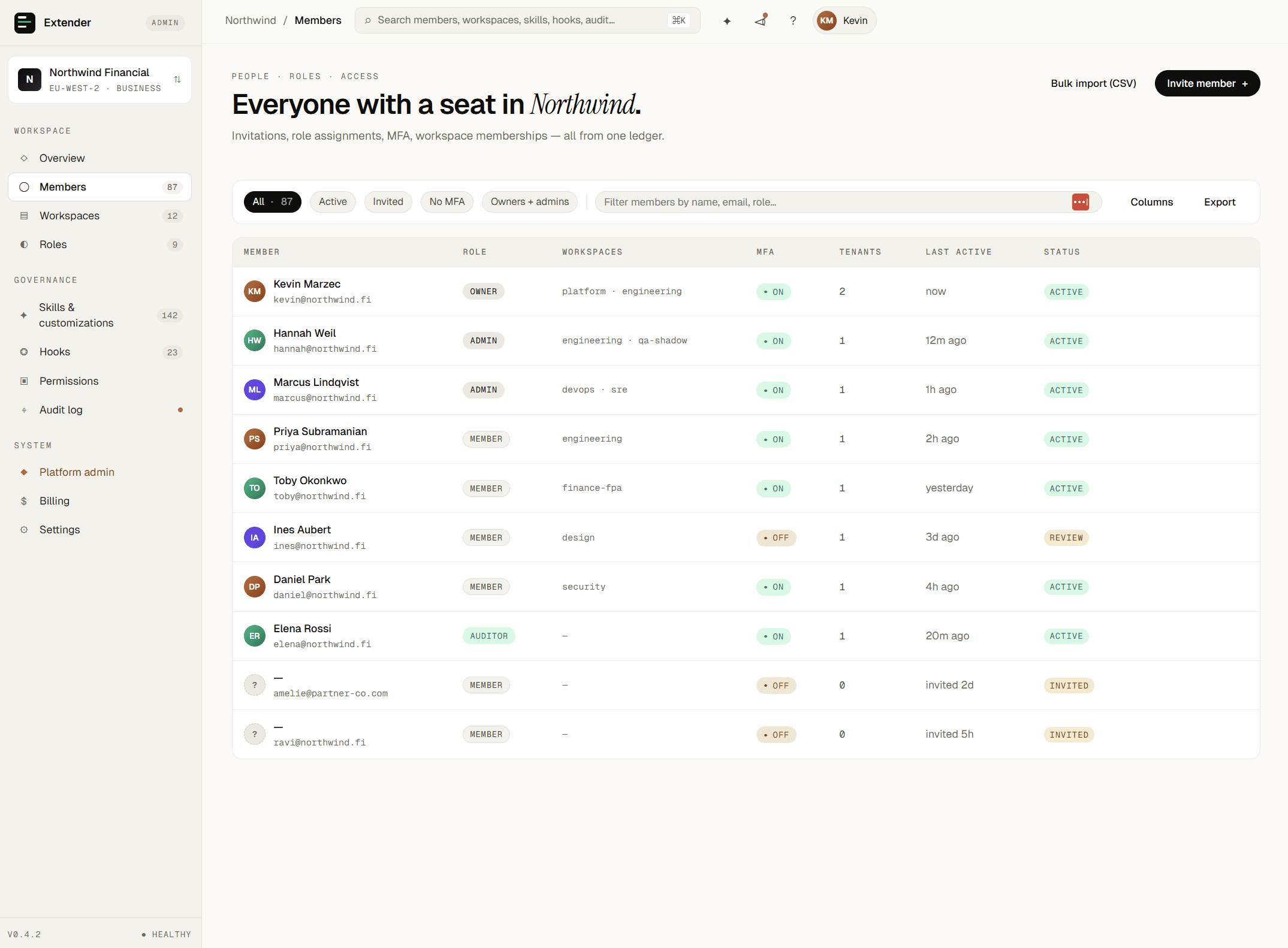
Each person gets the right toolset on their next session. Permission changes propagate instantly.

03 · Run

Ship to the desktop.

Extender picks up the harness on next launch. Chats stay local; audit stays in the cloud.

App screenshot 1
App screenshot 2
App screenshot 3
App screenshot 4
App screenshot 5
App screenshot 6
App screenshot 7
App screenshot 8
App screenshot 9
App screenshot 10
App screenshot 11
App screenshot 12
App screenshot 13
App screenshot 14
App screenshot 15
App screenshot 16
App screenshot 17
App screenshot 18
App screenshot 19
App screenshot 20
App screenshot 1
App screenshot 2
App screenshot 3
App screenshot 4
App screenshot 5
App screenshot 6
App screenshot 7
App screenshot 8
App screenshot 9
App screenshot 10
App screenshot 11
App screenshot 12
App screenshot 13
App screenshot 14
App screenshot 15
App screenshot 16
App screenshot 17
App screenshot 18
App screenshot 19
App screenshot 20
App screenshot 1
App screenshot 2
App screenshot 3
App screenshot 4
App screenshot 5
App screenshot 6
App screenshot 7
App screenshot 8
App screenshot 9
App screenshot 10
App screenshot 11
App screenshot 12
App screenshot 13
App screenshot 14
App screenshot 15
App screenshot 16
App screenshot 17
App screenshot 18
App screenshot 19
App screenshot 20

Stop fighting the tools.
Make them yours.

We're onboarding design partners across every department. If your team uses AI assistants at any meaningful scale, we'd like to talk.